
Delete Account
As you can imagine, it's always very sad for us to see someone go... but of course you can delete your Open as App account, registered to your email address.
How do you delete your Open as App account?
You must already have downloaded the Open as App - Client (App) from the respective store and be logged into it.
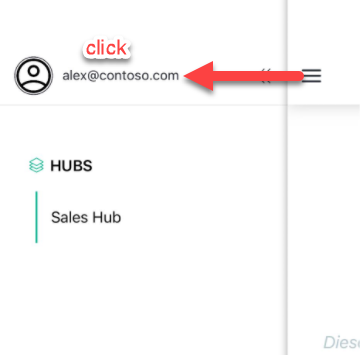
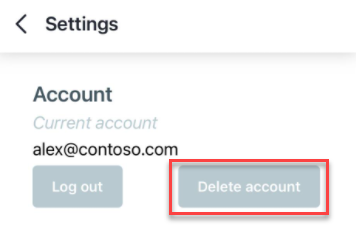
Proceed as follows:
Caution:
All apps created by you will be deleted and all person-related data will be deleted from our systems. These are not recoverable.
If you have a Business or Enterprise plan, please contact us via our support form. Only when the plan has expired, the account can be deleted via this way.
Was this article helpful?
Still stuck? Submit a request