
Open as App for iOS and Android
With the Open as App - App you and your users can run the apps you have created on their mobile devices.
Download Open as App
The "Open as App" player is available for iOS & Android for free.
- Launch the App Store on your device.
- Search for "openasapp" and install this application.
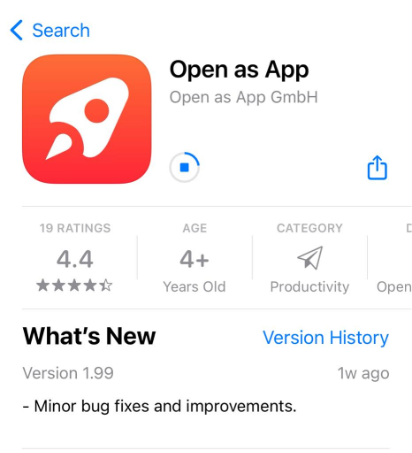
These links will take you directly to the appropriate version of Open as App:
- iOS: https://itunes.apple.com/de/app/open-as-app/id1084483622?mt=8&ign-mpt=uo%3D4
- Operating system: iOS 10.0 or higher
- Android: https://play.google.com/store/apps/details?id=net.openasapp.openasapp
- Operating system: Android 5 or higher
LOGIN
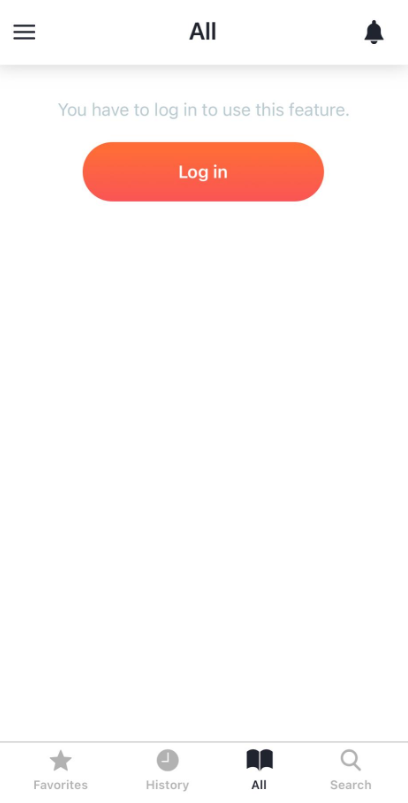
- Start Open as App
- Click the "Log in" button.
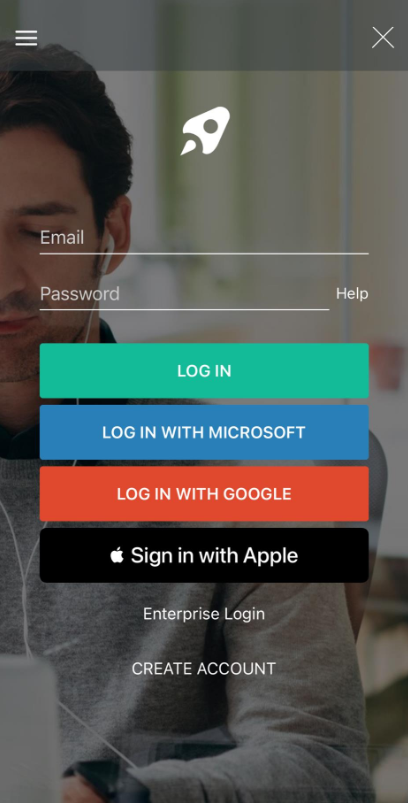
- Enter your login information or use one of the single singn-on (SSO) options.
Was this article helpful?
Still stuck? Submit a request