
The app does not work. Why do I get an error?
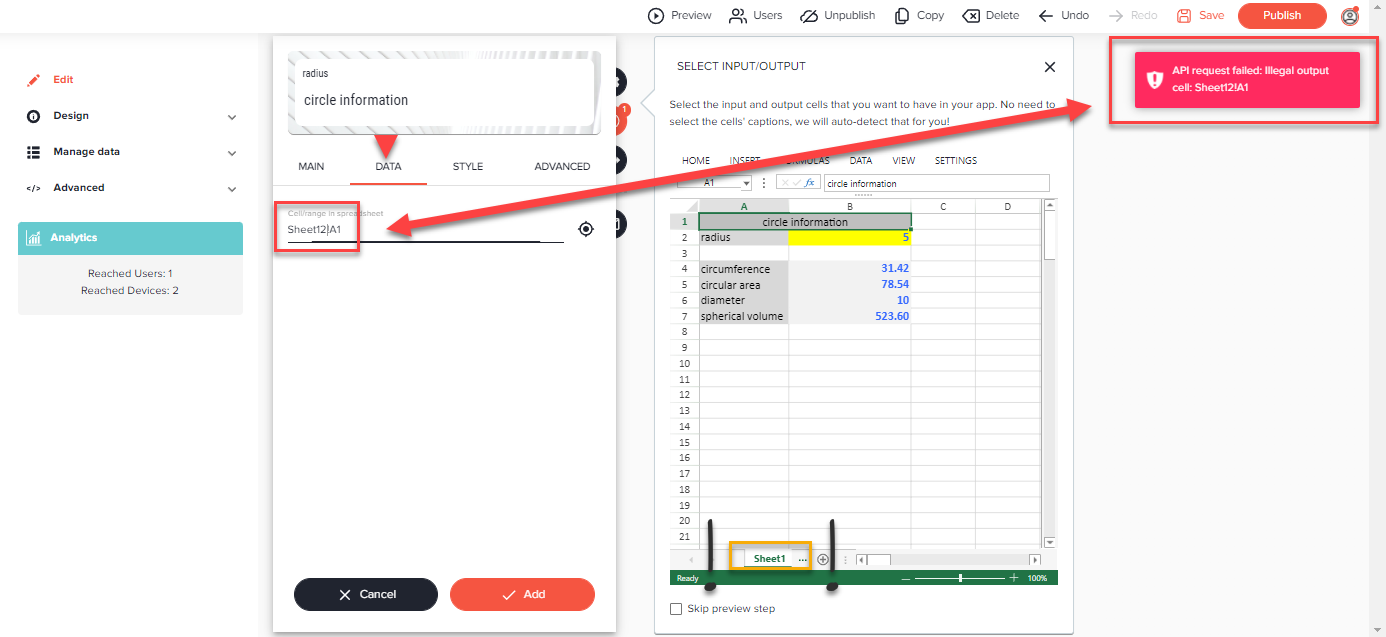
API request failed / An error occurred
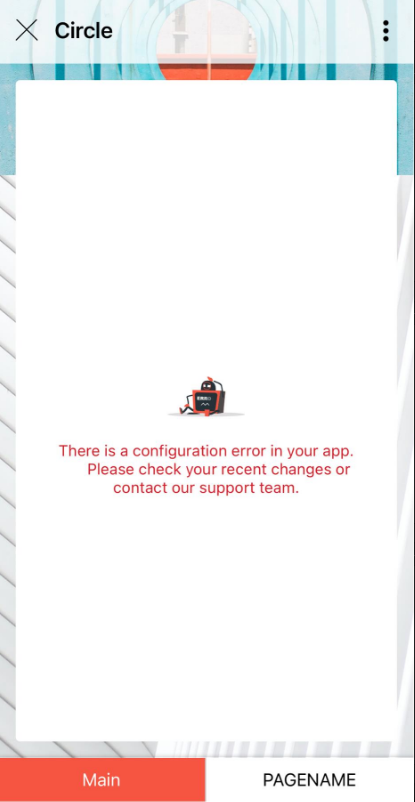
In general, something is configured incorrectly in your app. Here we show you the most common mistakes:
NOTE:
The portal currently often displays unexpected error messages.
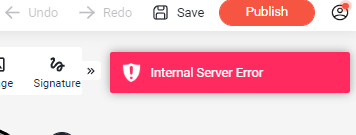
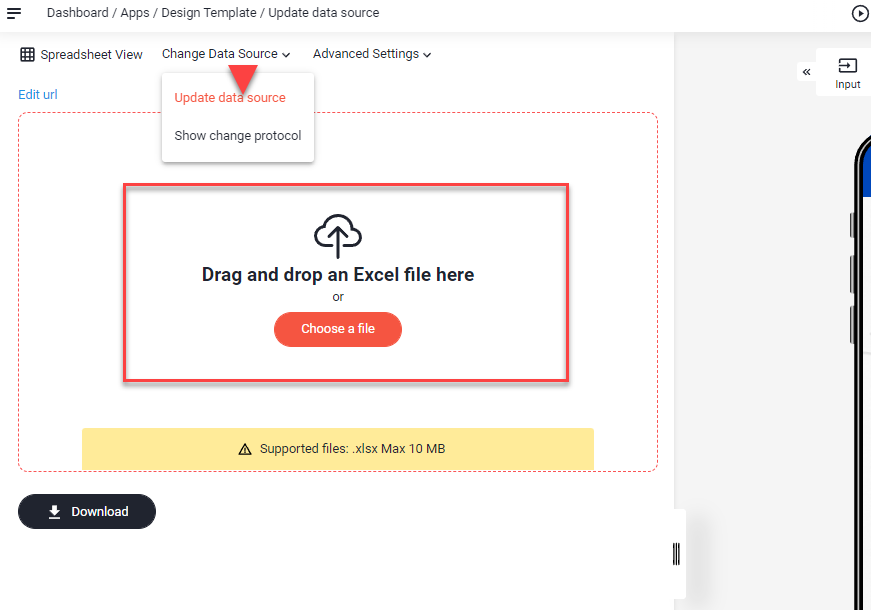
The problem can be fixed in most cases by updating the app's spreadsheet.
Change Data Source -> Update data source
1. Cell references are not correct
Reasons:
- Worksheets have been renamed
- Spelling mistake (e.g. Data link incorrect: Sheet12!A1 -> correct: Sheet1!A1)
- A page in your app that does not contain any elements
Solutions:
- Adjust the page names under Data
- Delete the spelling mistake
- Add an element to the page or delete the empty page
2. Incorrect entries
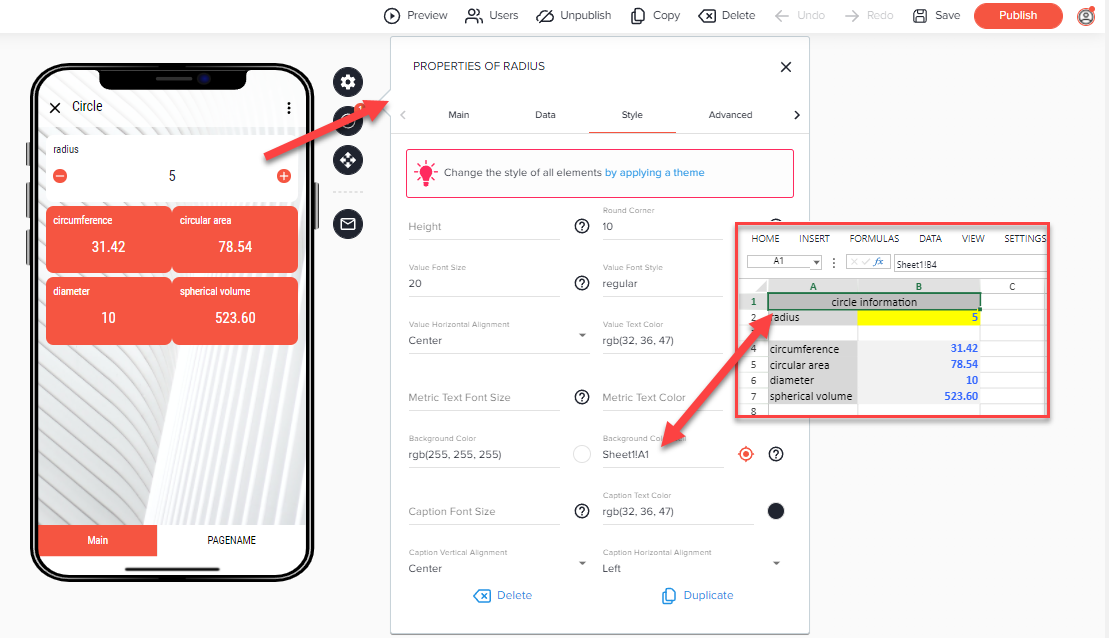
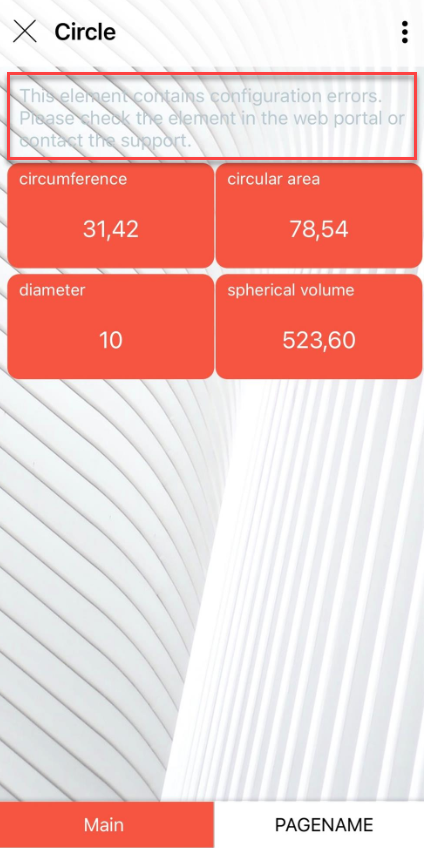
Reason:
- Cell contains no Hex color value, e.g. #FFFFFF
Solution:
- Refer to a cell containing a HEX color value.
Was this article helpful?
Still stuck? Submit a request